 Desktamer
Bongo Cat: Steam, Mac, Linux and the Paw Pass
Bongo Cat is one of the most searched-for things you can put on a desktop, and the name covers several different things: a meme, a website, a Steam game and a handful of free apps. Here’s what each one is, how the Steam game and its Paw Pass work, and what runs on a Mac or Linux. We make Desktamer, a different kind of desktop pet, so it comes up near the end. Everything else is from each project’s own page, with prices from the US Steam store, as of 9 October 2026.
What is Bongo Cat?
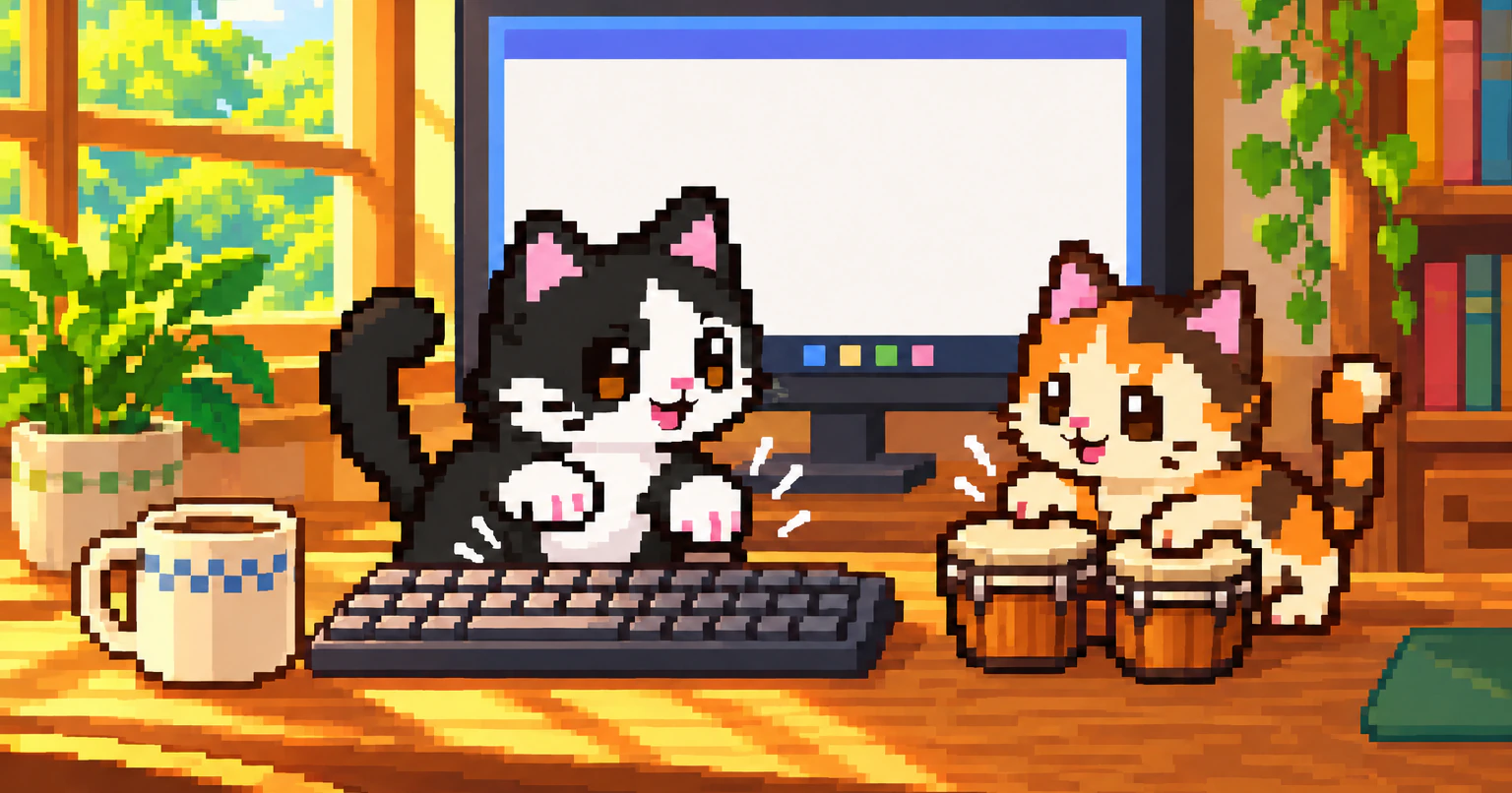
Bongo Cat is a meme from 2018. On 7 May 2018, the artist StrayRogue posted a GIF of a cat-like blob slapping a table, and DitzyFlama added a pair of bongos and set it to the “Athletic” theme from Super Mario World. Polygon and Uproxx both named it the best meme of 2018.
Since then it has become a website, overlays for people who stream themselves playing, desktop apps, and, in 2025, a Steam game. When people say Bongo Cat today, they usually mean the game.
Is there a desktop version of Bongo Cat?
Yes, several. The best known is Bongo Cat on Steam, a free game from Irox Games: the cat sits on your taskbar and taps it with every key you press. It runs on Windows, and on a Mac as an experiment. If you’d rather have one that’s open source and stays offline, there’s BongoCat, for Windows and Mac.
| Version | What it is | Runs on | Cost | Status |
|---|---|---|---|---|
| Bongo Cat on Steam | A cat on your taskbar that taps as you type and click, and collects hats | Windows 10 and 11. Mac, as an experiment | Free, with paid packs and a monthly pass | New items every month |
| BongoCat | An open-source cat that copies your keys, mouse and gamepad | Windows, Mac | Free | 2.2.0 came out on 7 October 2026. No Linux builds since 2.0 |
| wayland-bongocat | A small cat that taps as you type | Linux on Wayland, but not GNOME | Free | 2.0.2 came out in July 2026 |
| bongocat-osu | An overlay for people streaming the rhythm game osu! | Windows | Free | Archived. Last release in December 2020 |
| bongo.cat | A website where your keys play bongos, a piano and more | Any browser | Free | Nothing to install |
How the Steam Bongo Cat works
Install Bongo Cat from Steam, where it’s free, and start it. The cat sits on your taskbar, and every key you press and every click is a tap.
- Taps are points. As they add up, chests drop with hats, skins and emotes for your cat. They’re Steam inventory items, so you can trade them, or sell them on the Steam Market.
- You can play with friends. Their cats can join yours in a lobby.
- You can turn the cat around, with R or in its settings.
- It needs the internet. Steam lists a broadband connection as a requirement.
- Paid extras: single items at $2.50, packs of items at $5.05 to $10.09, and the Paw Pass’s paid track at $4.99 a month. Nothing has to be bought.
Bongo Cat is often among the most-played games on Steam, and the items are part of why: they can be sold, so it has drawn bots too. Its studio said in 2025 that about half of its players were bots.
What is the Paw Pass?
The Paw Pass is Bongo Cat’s monthly pass, added on 1 September 2026. Each month brings a themed set of skins, hats, emotes and chests, which you unlock just by tapping, as you pass its milestones.
- There’s a free track and a paid one. The paid track has more cosmetics, chests and emotes. You unlock it with a Paw Pass Token from the game’s Steam item store, $4.99 in the US, or with 500 Bongo Coins.
- Both tracks drop 100 Bongo Coins a month, so the free track alone pays for a paid pass every five months.
- Nothing runs out. Claiming a reward doesn’t use up taps, and rewards never expire. A pass you missed can still be unlocked later with a token.
- Open Bongo Cat at least once a month to collect that month’s free pass.
- It’s behind the ticket button at the bottom of your inventory.
- You can give a token to a friend through Steam trading.
- Offline, your taps still count, but you can’t claim rewards until you’re back online.
Bongo Cat on a Mac
Bongo Cat on Steam has had an experimental Mac version since 23 March 2026. Steam lists macOS 11 or later, on an Intel Mac or Apple silicon. Experimental means rough edges, and its developers gather Mac bug reports in a thread on the game’s Steam forum.
BongoCat is the steadier choice on a Mac: a free download for Apple silicon or Intel, which works offline. Its cat follows your mouse and reacts to keys, mouse buttons and gamepad buttons, and you can bring your own cat models.
Whichever you pick, macOS will ask first. An app that reacts to your typing in other apps needs your OK under Privacy & Security in System Settings.
Bongo Cat on Linux
There’s no Linux version of the Steam game yet. In June 2026 its developer said one for X11 would be “out soon”, and that Wayland would take longer. Steam still lists only Windows and macOS.
Until then:
- Steam’s Proton can run the Windows version. Reports on ProtonDB are mixed: Bronze from 70 reports, trending towards Gold.
- wayland-bongocat is a small cat for Wayland desktops that have a layer shell, like Sway, Hyprland, KDE Plasma or niri. GNOME doesn’t have one. It’s in Arch’s AUR as
bongocat. On other distributions, you build it yourself. It reads your keyboard directly, so you add yourself to theinputgroup, which lets every program you run read your keyboard too. - BongoCat stopped making Linux builds with version 2.0. The last one, 1.1.0 from April 2026, can still be downloaded.
Here’s why Wayland makes desktop pets hard, and what else runs there.
Is Bongo Cat safe?
To tap along, Bongo Cat has to see every key you press, which is why people ask. The Steam game’s code isn’t public. Its developer wrote on its Steam forum in June 2025 that there’s “no malicious code”, and said the code isn’t scrambled, so anyone can decompile it and check. We haven’t found a published independent check.
If you’d rather be able to read the code, BongoCat is open source. Its readme says it collects no data and works offline.
Worried about speed rather than safety? Here’s what a desktop pet costs your computer.
If you’d rather have a pet
Desktamer is our app, and it has no Bongo Cat: its pets don’t tap along when you type. It’s a desktop pet you look after, on Windows, a Mac or Linux. On Windows, the pets walk along the top of the taskbar, the same strip Bongo Cat sits on, and on a Mac they can move into the menu bar. You feed them, play with them and send them on quests in a small idle RPG that keeps going while you work.
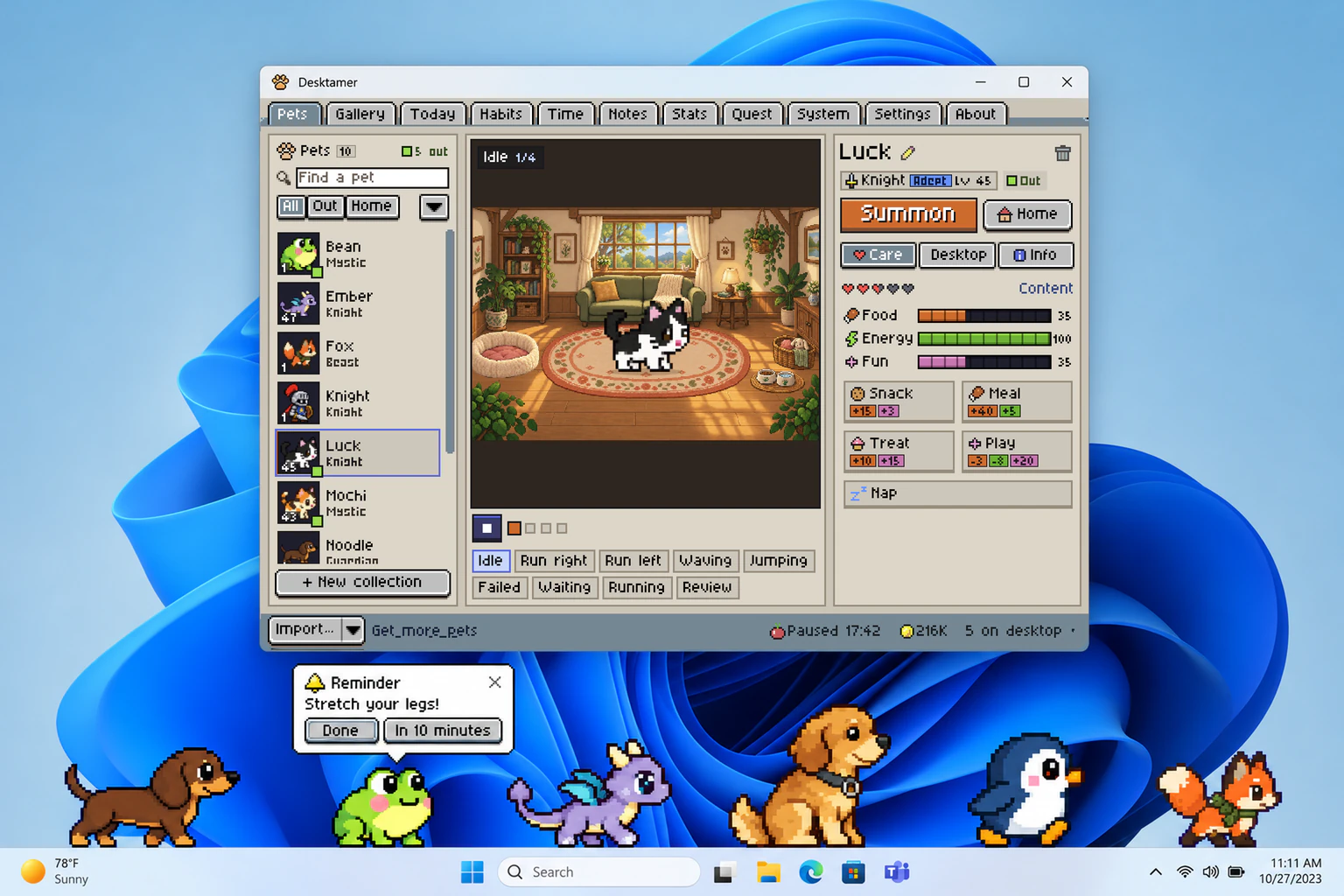
Try it free for seven days, with no card: get it from the Microsoft Store or this site. After that it’s $9.99 once, for up to three computers, with no packs or passes to buy.
More games that play at the edge of your screen while you work are in idle games that play at the bottom of your screen.
Which one to pick
- Hats, friends and the cat everyone knows, on Windows: Bongo Cat on Steam.
- On a Mac: BongoCat, or the Steam game if you don’t mind an experiment.
- On Linux: wayland-bongocat on Sway or Hyprland, or the Steam game through Proton.
- A minute of fun in your browser: bongo.cat.
- A pet you look after: Desktamer.
Want more than Bongo Cat? Here are the best desktop pets for Windows and for Mac.